Show/hide Order Here Text
To show/hide the order here text:
- Go to Settings (Click 5 times on the footer on the start screen).
- Choose the Settings section.
- Click on the Theme tab.
- Go to the “Show Order Here” logo section to show or hide it.
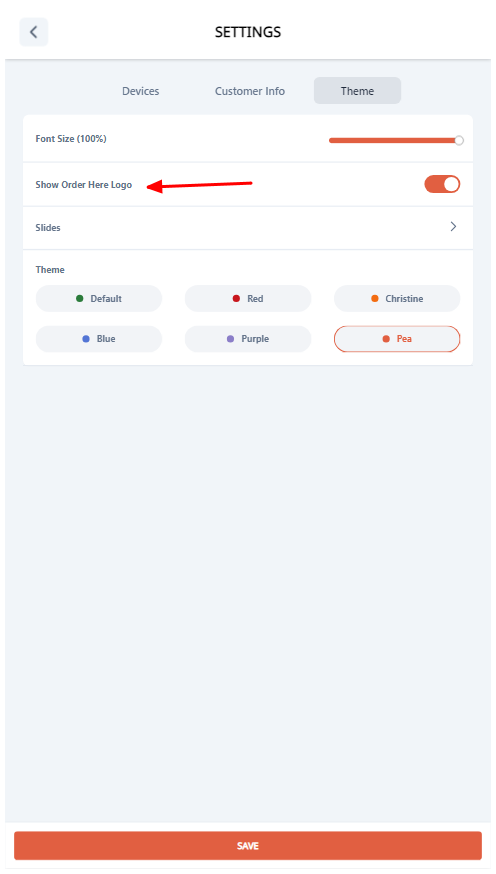
To show/hide the order here text: