View All Tickets
To view all tickets:
- Go to Settings (Click 5 times on the footer in the start screen).
- Click on Batch Manager.
Successfully paid tickets will be displayed in this table.
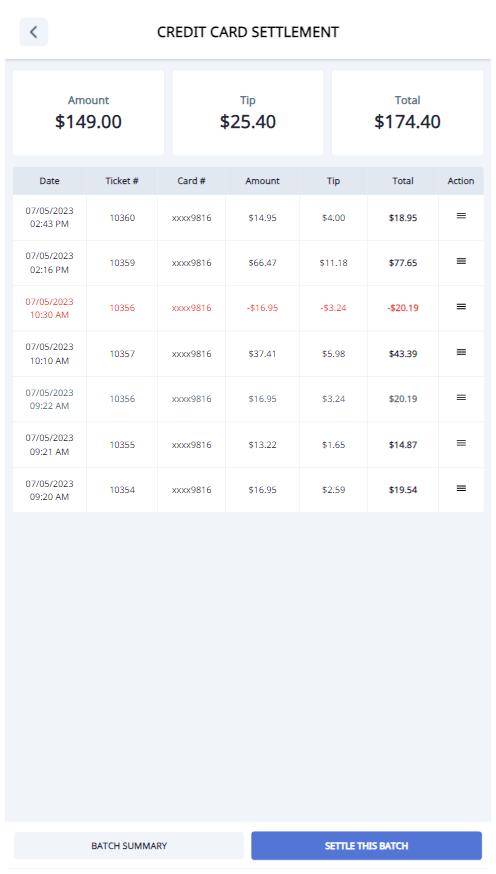
Settle Batch Manually
To settle the batch manually, click on Settle this batch.
View Detailed Ticket
To view a detailed ticket:
- Choose a ticket to view the details.
Normal Ticket

Voided Ticket

Sale Ticket

Void Ticket
To void a ticket:
- Choose a normal ticket to view the details.
- Click on the Void button.